Real Time 3D Rendering Software: What It Solves, What It Still Requires
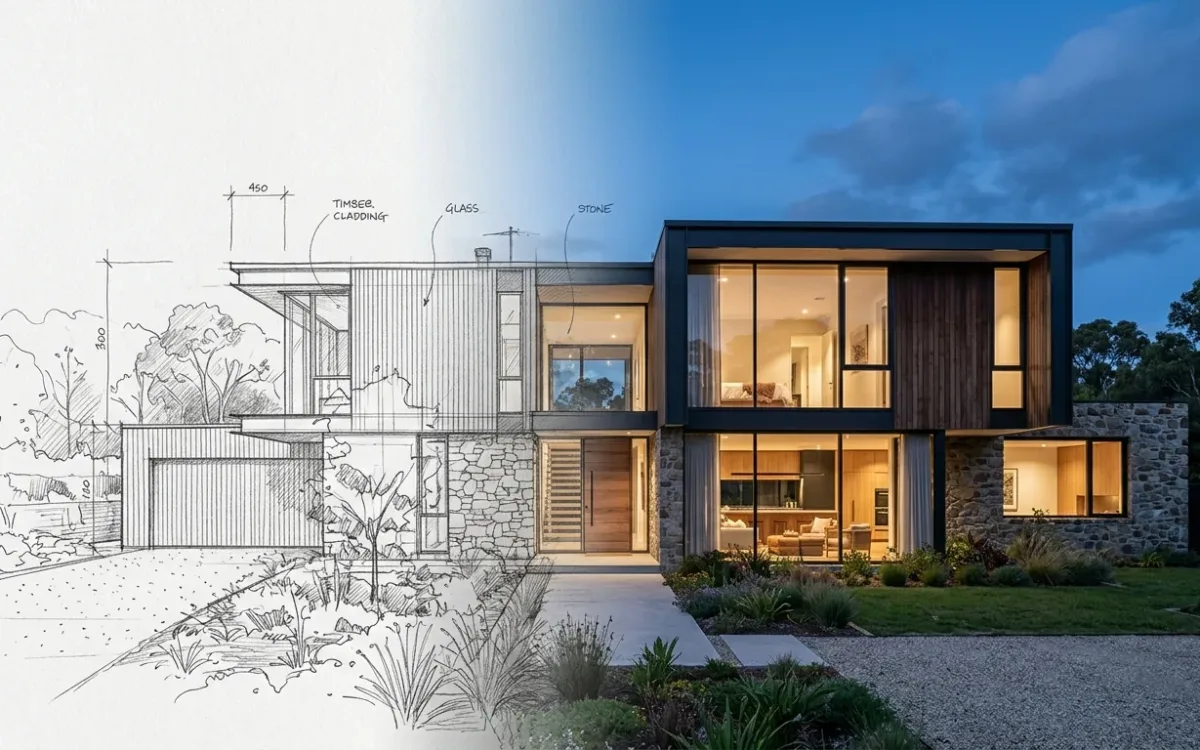
Real time 3D rendering software renders your scene continuously while you work. Move the sun, and the image updates now, not after a coffee. In architecture that means Enscape, Lumion, Twinmotion, D5 Render and Unreal Engine, and for the right practice they are the best money a visualization budget can spend.
For the wrong practice they are a fast renderer bolted onto a slow problem.
This guide covers what real-time rendering actually solves, what it quietly still requires, and the one question that decides whether you need it at all: which kind of image is your bottleneck?
What real-time 3D rendering software actually does
Offline engines compute one frame with full light physics and take minutes to hours doing it. Real-time engines borrow game technology, rasterization and increasingly hardware ray tracing, to draw dozens of frames per second at slightly relaxed physical accuracy.
You walk through the building while it renders. Change a material in the afternoon meeting and the client watches it change.
Two things follow. Iteration gets cheap once the scene exists. And a deliverable becomes possible that no still image replaces: the interactive walkthrough, where the client holds the camera.
What real-time 3D rendering software still requires
Real-time engines compress render time. They do not compress the rest of the pipeline.
- A complete 3D model. The engine renders what exists. SketchUp, Revit, Rhino or Archicad, reasonably clean, or the live sync becomes live frustration.
- Serious hardware. These are game engines and they eat GPUs. "VRAM, RAM, laggy models, weak laptop" is a permanent genre in every archviz forum. Budget for a workstation, not just a subscription.
- Scene dressing. The built-in asset libraries are the best part of these products, and placing vegetation, furniture and people is still hours of work per project.
- The engine itself. Each one is its own program with its own logic. Weeks to comfort, months to mastery.
That list has a name, and I use it across this site.
The reconstruction tax is everything you pay before the first pixel: geometry, materials, vegetation and light, all rebuilt from zero. Real-time 3D rendering software makes that tax cheaper per image. It does not waive it.
You still rebuild reality. You just iterate on the rebuild much faster.
Two images, two products
Fast versus good is the wrong axis, and most comparison posts argue it anyway. The forums put the real split in one sentence: "we all love spending weeks on a single atmospheric shot, but the real market often demands something else: Speed."
Nobody is wrong to love the 2-week atmospheric shot. It is simply a different product.
A portfolio render is the product itself, judged on the image. A communication render is decision support inside a live design process, judged on whether the room now understands the same building.
Different quality bars. Different economics. Habitually confused, which is how a practice ends up buying craft tooling for a communication problem, or the reverse.
Real-time software is unusually good at communication renders. On one condition: the model already exists.
Where real-time rendering is the right answer
- Your practice models everything in 3D anyway, so the main prerequisite is already paid.
- You present walkthroughs or client-driven live sessions. This is the deliverable real-time uniquely owns.
- You need many good-enough images per project per week, and per-image minutes beat per-image hours.
- Design review inside the team. Catching a proportion problem in a live model beats catching it in next week's render.
Where it is the wrong answer
- The image is the product. For a hero image, tuned offline rendering (V-Ray, Corona) still holds the quality ceiling. That is craft, and a real-time viewport is not built to replace it.
- The model does not exist yet. At sketch and concept stage there is nothing to sync. This is the gap people forget: the moment a realistic image would most influence the design is exactly the moment real-time software has nothing to render.
- The hardware or the learning time is not there. A real-time license on a weak GPU is a slideshow.
The second point deserves its own line, because it reframes the whole category.
Real-time rendering accelerates the end of the design process, not the beginning.
Everything these engines do well starts after the model. Which is fine, unless the model is the thing you do not have yet.
The third option the comparison charts skip
The classic comparison is real-time versus offline. There is now a third column: AI rendering, which needs no scene at all. A sketch, a viewport screenshot or a flat render goes in, a photorealistic image comes back in about 30 seconds, on any laptop, because the realism comes from a model trained on photography instead of from your reconstruction.
I build SecondRender, so discount accordingly. The division of labor is still straightforward, and many practices land on it: AI rendering for everything early, rough or urgent (concept options, sketch-stage client feedback, the Thursday deadline), real-time for the walkthrough and the model-driven phase, offline craft for the flagship image if the project carries one.
The honest limits belong in the same breath. Generative output varies between runs: the same input does not guarantee the same image. And carrying one design into another perspective, detail for detail, is still the category's weak point. Fidelity mode and reusable styles manage both. Neither is eliminated, in any AI tool on the market.
Choosing among the real-time engines
Short and practical.
- Enscape. Tightest BIM integration, easiest on-ramp from Revit and SketchUp.
- Twinmotion. Value, plus Epic's asset ecosystem.
- Lumion. The largest one-stop library and the most forgiving workflow.
- D5 Render. The strongest ray-traced look of the pure real-time group.
- Unreal Engine. The ceiling, when you have (or are) a dedicated visualization technologist.
Any of them serves a modeling-centric practice well. The differences are workflow taste more than output class, which is why the choice between them matters far less than whether the category fits your bottleneck at all.
The bottleneck question
Buy real-time 3D rendering software when your bottleneck is iterating on a model that exists.
When your bottleneck is getting any realistic image before the model exists, or one image by tomorrow without a workstation, that is not a real-time problem, and no license fixes it.
Map your last 3 projects against those 2 sentences. The purchase decision usually makes itself.
Full context on all 3 rendering families and their true costs: the complete guide to architectural rendering. And if the sketch-stage gap is your actual bottleneck: sketch to render, step by step.