Twinmotion vs Enscape: how architects actually choose
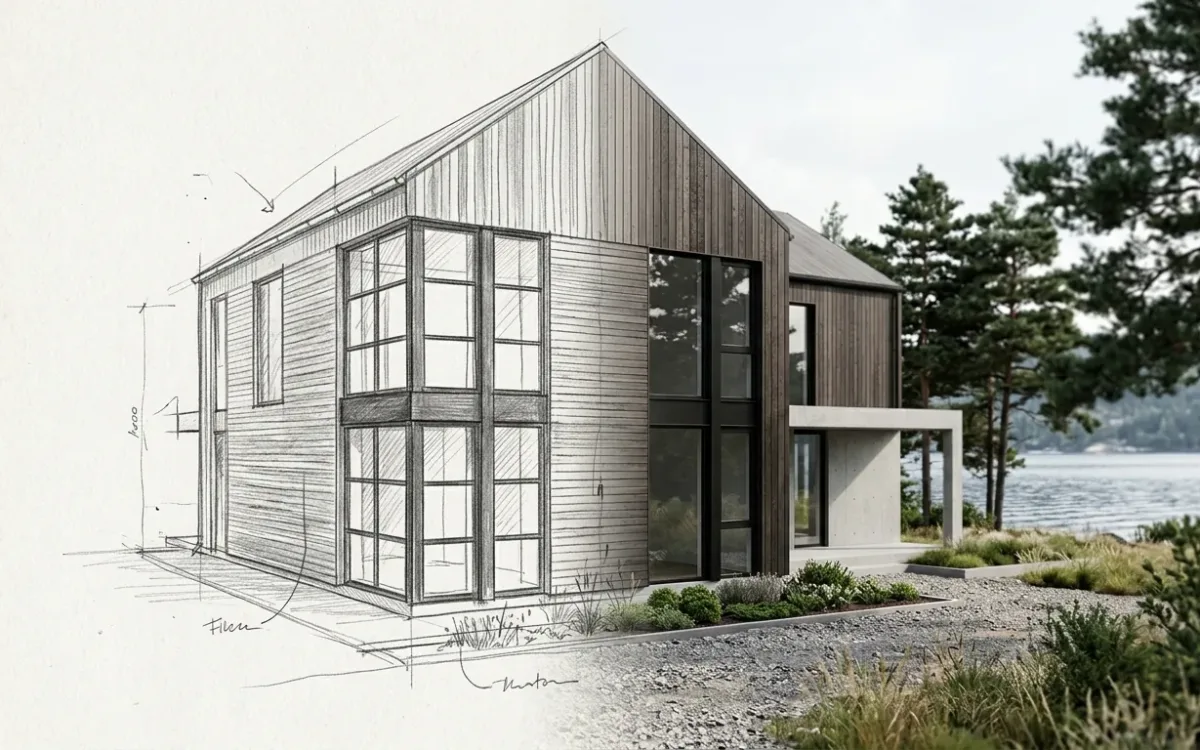
In twinmotion vs enscape, start with where the scene lives and what a design change costs you afterwards. Both produce images good enough for a client meeting. The difference becomes clearer when the client moves the staircase.
The same test helps with D5 and Lumion. I went through what architects and small-studio owners on Reddit say decided their choice. This comparison follows those accounts.
Disclosure: I build SecondRender, an AI rendering tool. It appears near the end, with its limits.
twinmotion vs enscape: what practitioners say decides it
Image quality matters, especially when the image is the product. A gallery gives you little evidence about the work between revisions.
In the threads I read, deadline speed and licence cost usually came before the realism ceiling. Then came the learning curve, maintaining a second scene, the asset library and hardware.
That order reflects a working week. Every hour learning or repairing a scene comes out of the time available for the project.
For an architect, real-time engines differ less in image quality than in where the scene lives and what a design change costs afterwards.
The four engines at a glance
Some cells stay broad because terms change or I am not certain.
| Engine | Inside the modelling tool or separate app | Licence note | Hardware need | Where practitioners say it fits |
|---|---|---|---|---|
| Enscape | Inside, as a plugin (Revit, SketchUp, Rhino, Archicad, Vectorworks) | Paid subscription. Check current terms | Dedicated GPU | Early stage images, weekly client reviews, staying in one model |
| Twinmotion | Separate app, linked to your model | Practitioners report it is free for Revit users. Check current terms | Dedicated GPU | Revit offices that want a big library and animation at low licence cost |
| D5 Render | Separate app, linked to your model | Practitioners report a free tier plus paid tiers. Check current terms | Dedicated GPU with ray tracing support, varies by scene | The more realistic look of the group, small studios hunting value |
| Lumion | Separate app, linked to your model | Paid. Check current terms | Dedicated GPU, varies by scene | Large library, forgiving workflow, fly-throughs |
twinmotion vs enscape: one model or two
Enscape runs inside your modelling tool. Change a wall in Revit or SketchUp and the rendered window follows. Materials stay in the model you already maintain.
Twinmotion is a separate application. Geometry syncs through a link, then materials, planting, cameras and weather live in a second scene you maintain.
A student returning to Enscape after years in 3ds Max wrote: "The main reason i considering switching back to Enscape is the time constraint." Architects describe the same appeal for early stage work. Small studios say keeping a parallel scene updated eats time they do not have.
Twinmotion's library and licence can justify that upkeep. An architect discussing Twinmotion and D5 wrote: "Both have incredible asset libraries and are built for performance during real time rendering." Their office's decision was more specific: "We use Revit at my company and twinmotion is free for Revit users, so we love it."
Treat the licensing quote as a report, not a current entitlement. Bundles and free tiers change. Confirm today's terms with Autodesk and Epic before building a workflow around them.
My read: for weekly decisions on a constantly changing model, Enscape's plugin arrangement is the stronger fit. For animation or a heavily dressed site, Twinmotion's second scene may earn its upkeep. A licence you already have can also decide it.
For the model-specific detail, see rendering software for Revit or how to render in SketchUp.
D5 vs Enscape: realism against the deadline
A visualization specialist working in a Rhino and Enscape office wrote: "I feel like Enscape is really holding the quality of renders back." This was someone trained on Corona, judging by that standard.
Practitioners describe moving to D5 for its look. They also mention entry cost and built-in AI features. Tiers change, so check the vendor page.
D5 brings a separate scene to sync, dress and maintain after design changes. It also leans harder on the GPU.
The decision is whether the image quality gains justify that work. For approving mood and palette, practitioners rarely describe Enscape's ceiling as decisive. For a competition image or a hoarding, it might matter more.
Lumion vs Twinmotion: library and licence
Both are separate apps with model sync, large asset libraries, stills and fly-throughs. A freelancer seeking help with a Revit fly-through described the acceptable standard as "open to Twinmotion/Lumion quality".
Licence terms can separate them. Practitioners report a gap largely because of the Twinmotion arrangement above. Lumion is paid. Compare current terms for your seat count.
In the threads, Lumion has a reputation for a broad library and forgiving workflow; Twinmotion for value and Epic's asset ecosystem. Those accounts seem fair as far as I can tell. Check the contents yourself: your climate's trees and your market's furniture matter more than library size alone.
Existing knowledge also counts. If your office has 5 years of Lumion scenes and someone who knows it well, include that in the switching cost.
D5 Render vs Lumion and D5 Render vs Twinmotion
These comparisons share the same structure: separate apps with second scenes.
Practitioners describe moving from Lumion to D5 for the ray-traced look, and staying with Lumion for its library and office familiarity.
A user testing D5 after Twinmotion wrote: "I feel like the render engine is even better than Twinmotion's?" That is a first impression, with its uncertainty intact.
A studio owner moving the other way, from years on D5 to Twinmotion for a new company, wrote: "I did not want to take on the full cost of another Pro subscription before the company was generating revenue." Twinmotion's licensing gave that person time to test a production workflow. Confirm current evaluation terms before assuming the same applies to you.
How to test before you pay
Use a live project on the machine you own.
- Record the hours to a first usable image.
- Make a real design change: move a wall, swap a facade material or shift a window band.
- Measure the time from that change to a revised image.
That revision time tells you something a gallery cannot. For options beyond these four, see programs for architectural rendering. The category overview is real-time 3D rendering software.
When none of these engines is the answer
All four assume a model complete enough to render, a dedicated GPU and time to set up a scene.
A student with a finished Revit model asked for help because "my computer can’t handle anything like Lumion or D5". A licence does not resolve that hardware limit. Scene setup also remains a problem when you have only rough massing, or an image due tomorrow and nobody who has opened the engine in a year.
Another route starts with a screenshot of your model view and uses an AI image model to produce a photorealistic image. Architects in the threads already use general models this way. I describe that workflow in Nano Banana for architecture.
SecondRender is my architecture-specific version. You upload a screenshot or exported view, choose style, lighting, season and environment, and get an image back in about 30 seconds. It runs in the cloud, so the office laptop is enough.
The same input does not guarantee the same output. Carrying an object, detail for detail, from one perspective into another is still a challenge, for every AI tool including mine. There is no live walkthrough, and no plugin inside your modelling tool. You must check every image against your model, because you are liable for what you show.
For a set of perfectly matched final views, or for the flagship image, use one of the engines above or a visualization artist. That is a different product with a different budget, which I cover in architectural rendering cost.
If you stay in Revit and want the built-in route first, the steps are in how to render in Revit.
Twinmotion vs Enscape: frequently asked questions
Is Twinmotion really free?
Practitioners report that it is, in some situations. Architects on Reddit say Twinmotion comes free for Revit users, and others describe free use while evaluating. Licence terms and eligibility rules change. Read the current Twinmotion terms and check what your Autodesk subscription includes before planning around it.
What are the disadvantages of Enscape?
Practitioners most often name the realism ceiling, particularly those with a craft rendering background. It also needs a dedicated GPU and a paid licence. For early stage and weekly review images, most architects in the threads do not find the ceiling a problem.
How much does Enscape cost?
Enscape is a paid subscription. Plans and bundles have changed over time, so a printed price may soon be wrong. Check Chaos's current pricing page and compare the per-seat cost against what you already own.
Is D5 Render still free?
Practitioners report a free version alongside paid tiers, with some assets and features behind the paid tier. Terms change. Confirm on the D5 site what the free version includes today and whether it covers commercial work.
Which is better, D5 Render or Twinmotion?
People in the threads prefer D5 for the image's look and Twinmotion for licence terms and library. Both have a second scene to maintain. Test both on a live project and measure the time from a design change to a revised image.