How to Render in Revit: Native, Ecosystem, and the AI Shortcut
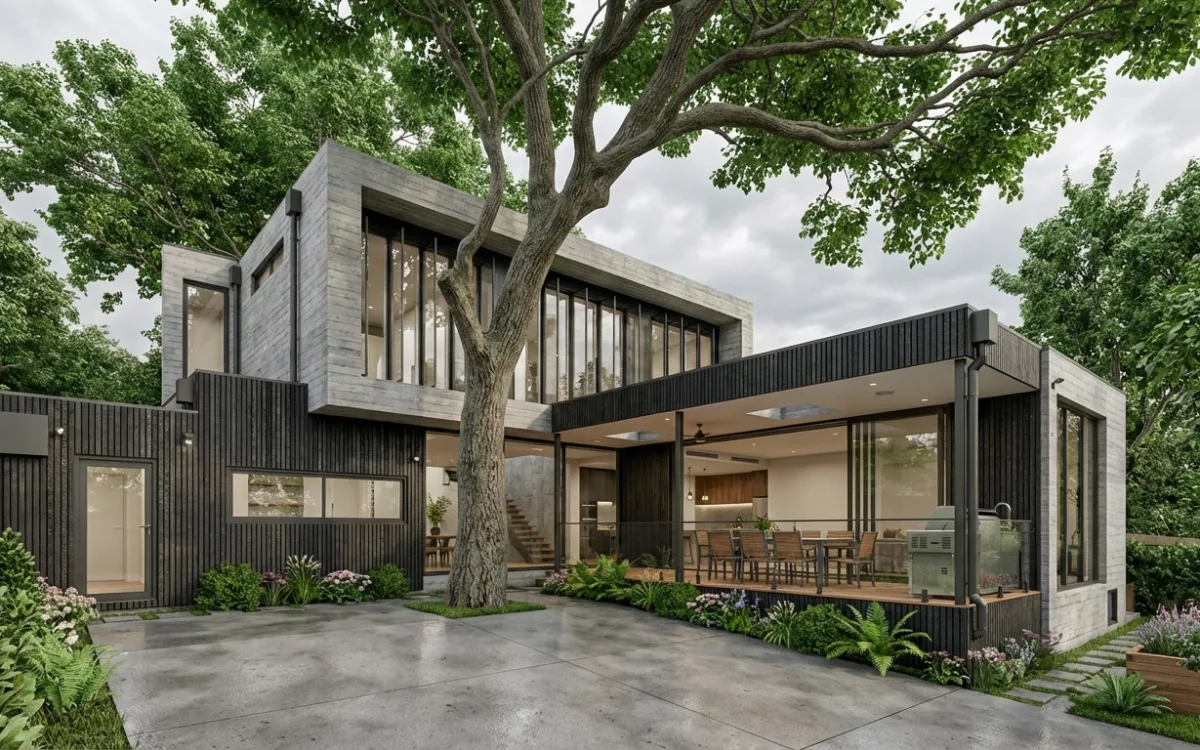
Revit's 3 rendering routes compared honestly: what native output can and cannot do, what the ecosystem requires, and when a viewport screenshot plus AI is the right call.
Insights on architectural visualization, AI rendering, and design technology.
Revit's 3 rendering routes compared honestly: what native output can and cannot do, what the ecosystem requires, and when a viewport screenshot plus AI is the right call.
A working guide to Revit's design options: correct setup, the 5 rules that trip everyone, and the economics of finally showing clients every option instead of one.
One board, one argument: layout and hierarchy rules that survive the jury's first 5 seconds, plus staged realism, choosing how photoreal each image should be.
The 3 real paths from a SketchUp model to a photorealistic image: plugins, real-time engines, and AI from a screenshot, with the honest costs of each.
Traditional render engines take months to learn because you are rebuilding reality by hand. AI rendering takes days, because what you learn is judgment: prompting, style, and what to fix where.
Rendering is slow because it reconstructs reality from zero every time. Here is what actually trims that, what optimization cannot fix, and where the honest limits of AI rendering sit.
A working guide to natural light in architectural renders: sun path, sky, bounce, shadows, colour temperature and artificial light, plus what AI changes and still gets wrong.
Materials read as real when light interacts with them honestly. What the PBR map stack buys you, what hand-tuning it really costs, and where AI rendering still struggles.
Typical timings for architectural rendering, from draft pass to final frame, plus the setup and revision rounds that decide your actual deadline. Includes what AI changes and what it does not.